Upload Images
Last edited on 3/1/2018, 2:00:06 AM
The entry toolbar has an icon to "Upload Images" which when clicked will open a dialog to select the image to insert into your document.

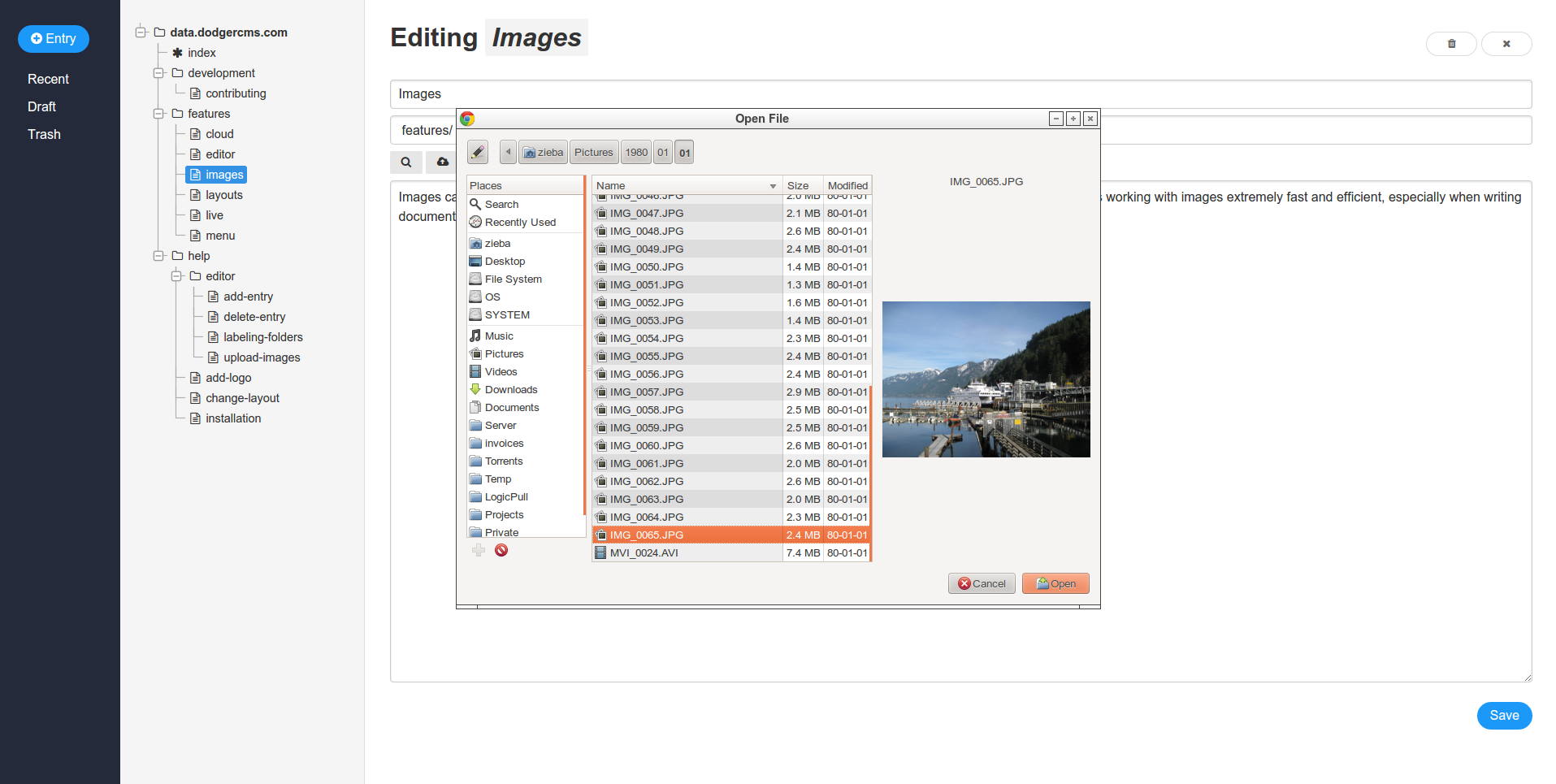
A dialog will appear where you can select the image to insert into your document.
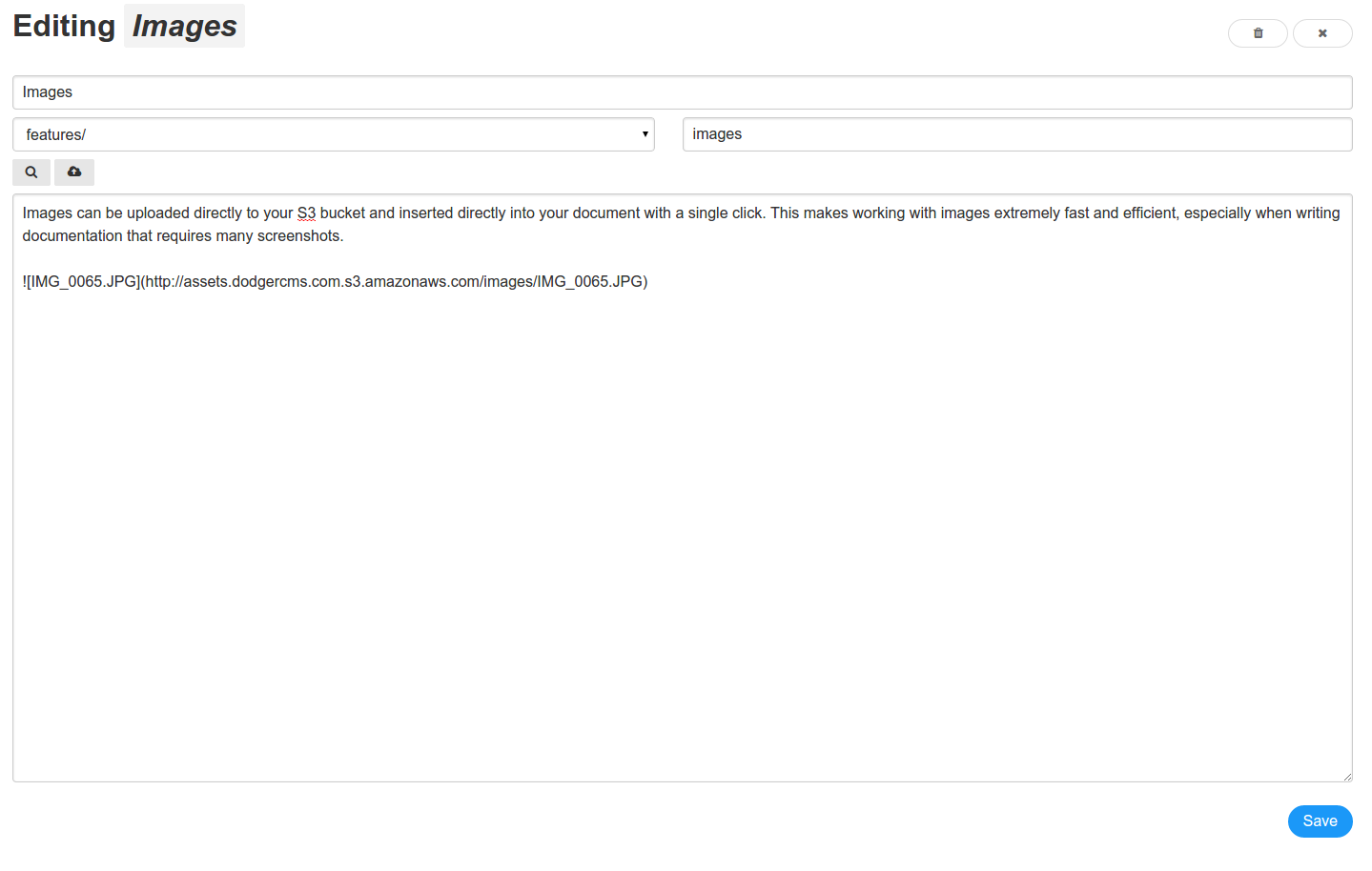
After the image is selected, it is uploaded directly to S3 and the markdown with the image link is inserted into the cursor position of the document.
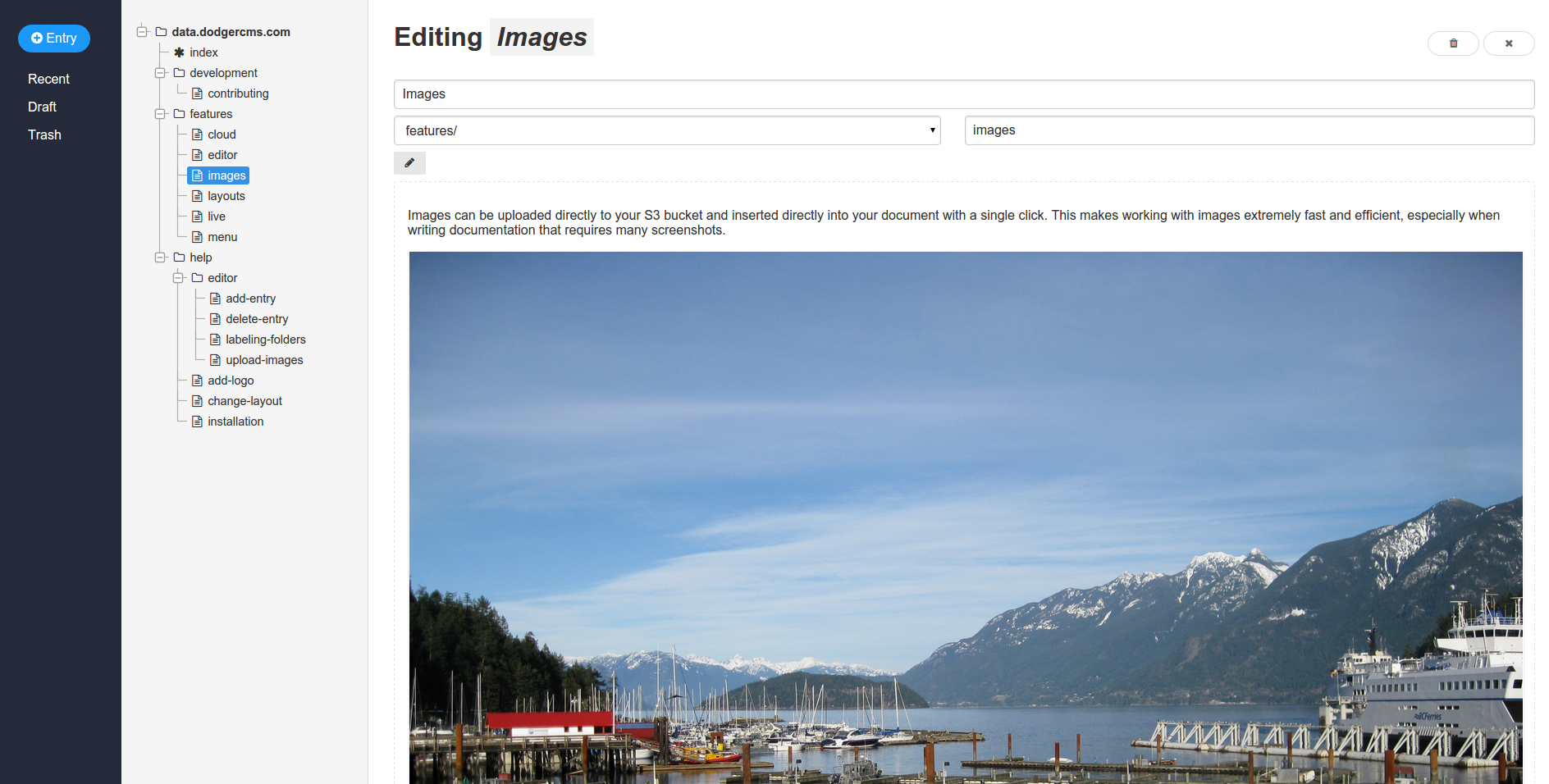
You can now preview your document and the image will be inserted.